


How to reset ABB frequency converter
ABB frequency converter is a widely used industrial automation equipment, widely used in fields such as motor control, power transmission, fan control, and manufacturing. However, in the process of using ABB frequency converters, sometimes we may need to reset the equipment to achieve the purpose of resetting and adjusting. So, how do ABB frequency converters reset? This article will provide a detailed explanation of the methods and steps for resetting ABB frequency converters.
1、 Reset method of ABB frequency converter
When using ABB frequency converters, there are two ways to reset: hardware reset and software reset. Hardware reset refers to the reset achieved through manual operation of the device, while software reset is achieved through program control. Below, we will introduce the specific operation methods of these two reset methods separately.
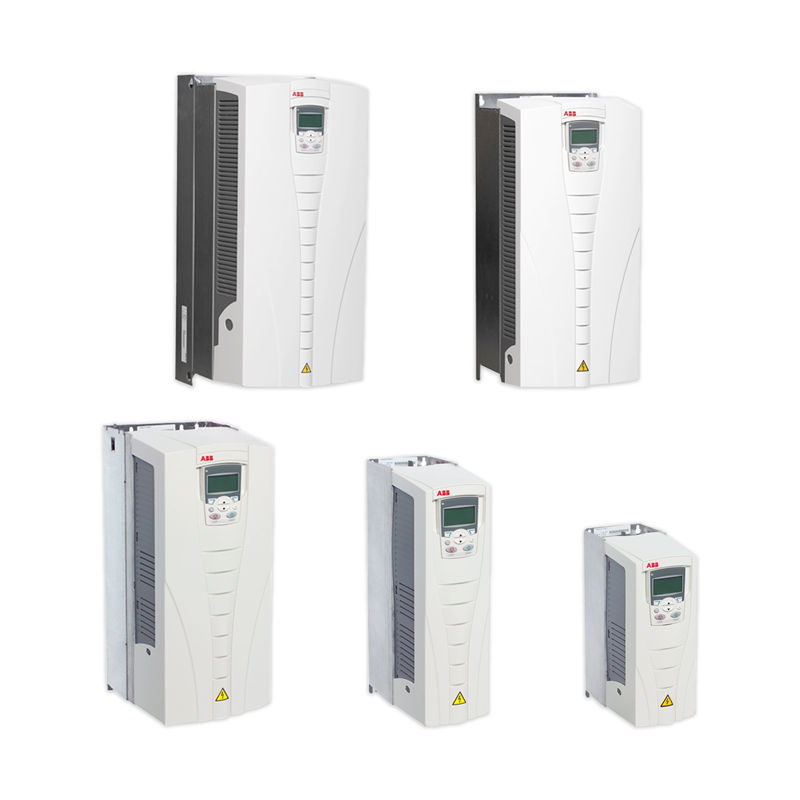
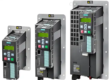
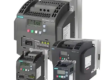
ABB frequency converter
1. Hardware reset
Hardware reset is a fast and direct method that can be accomplished through physical switches or manual reset operations. Before resetting, it is necessary to ensure that the equipment is in a safe state to avoid damage to the equipment or personnel due to improper operation. The following are the steps for hardware reset of ABB frequency converter:
Step 1: First, cut off the power supply of the ABB frequency converter to ensure the safety of the equipment.
Step 2: Find the reset switch of the ABB frequency converter, which is usually located on the surface of the equipment. Usually it’s a red button.
Step 3: Use a light guide needle or a thin pointed object to press the reset switch and wait for the corresponding indicator light to turn on.
Step 4: Wait for the device system to restart in order to complete the reset operation.
2. Software reset
Software reset is a more efficient and intelligent method, typically achieved through device program control. Software reset can not only reset the frequency converter, but also use various functional modules for operation and adjustment.
Before performing software reset, it is necessary to have certain programming knowledge and operational experience. The following are the steps for software reset of ABB frequency converter:
Step 1: First, enter the control panel of the ABB inverter and access the device program system.
Step 2: Find the reset module, usually marked in the menu or on the operating interface.
Step 3: Select the reset module and follow the instructions to easily reset the software.
2、 Possible problems and solutions
When resetting ABB frequency converters, you may encounter some problems. Here we provide solutions to some common issues.
1. The frequency converter cannot be reset
If the ABB frequency converter cannot be reset, it may be due to improper operation or equipment failure. In this case, it is recommended that you check the power supply, input, and output connection components of the frequency converter to ensure that the equipment is working properly. If the problem is not resolved, it is recommended that you promptly contact the equipment manufacturer or professional personnel for inspection and maintenance.
2. After the reset is completed, the device operates abnormally
After resetting the ABB frequency converter, there may be abnormal equipment operation. This may be caused by incorrect settings of the frequency converter parameters or program errors. In this case, it is recommended that you refer to the equipment operation manual, reset the frequency converter parameters, or rewrite the program for operation. If necessary, seek professional assistance.
3. Equipment malfunction alarm occurs after reset
After resetting the ABB frequency converter, there may be equipment malfunction alarms. This may be caused by equipment malfunction, please be sure to promptly identify the cause of the malfunction and carry out repairs. The corresponding troubleshooting methods can be found in the operation manual or relevant technical materials provided by the equipment manufacturer.
3、 Precautions for resetting ABB frequency converter
When resetting an ABB frequency converter, the following points should be noted:
1. Ensure that the equipment is in a stopped state, free from all hazardous factors, to prevent damage to personnel or equipment.
2. Before cutting off the power, cut off the power supply of the ABB inverter and wait for the equipment to stop running.
When resetting ABB frequency converters, strictly follow the instructions in the equipment operation manual or technical data, especially for software reset, which requires certain programming experience and skills.
4. Handle various possible problems and promptly carry out repairs and adjustments.
The above are the detailed steps and precautions for resetting ABB frequency converters. Understanding these methods and techniques can help us complete equipment reset and adjustment faster and more accurately. I hope this article can be helpful to you. Thank you for reading